
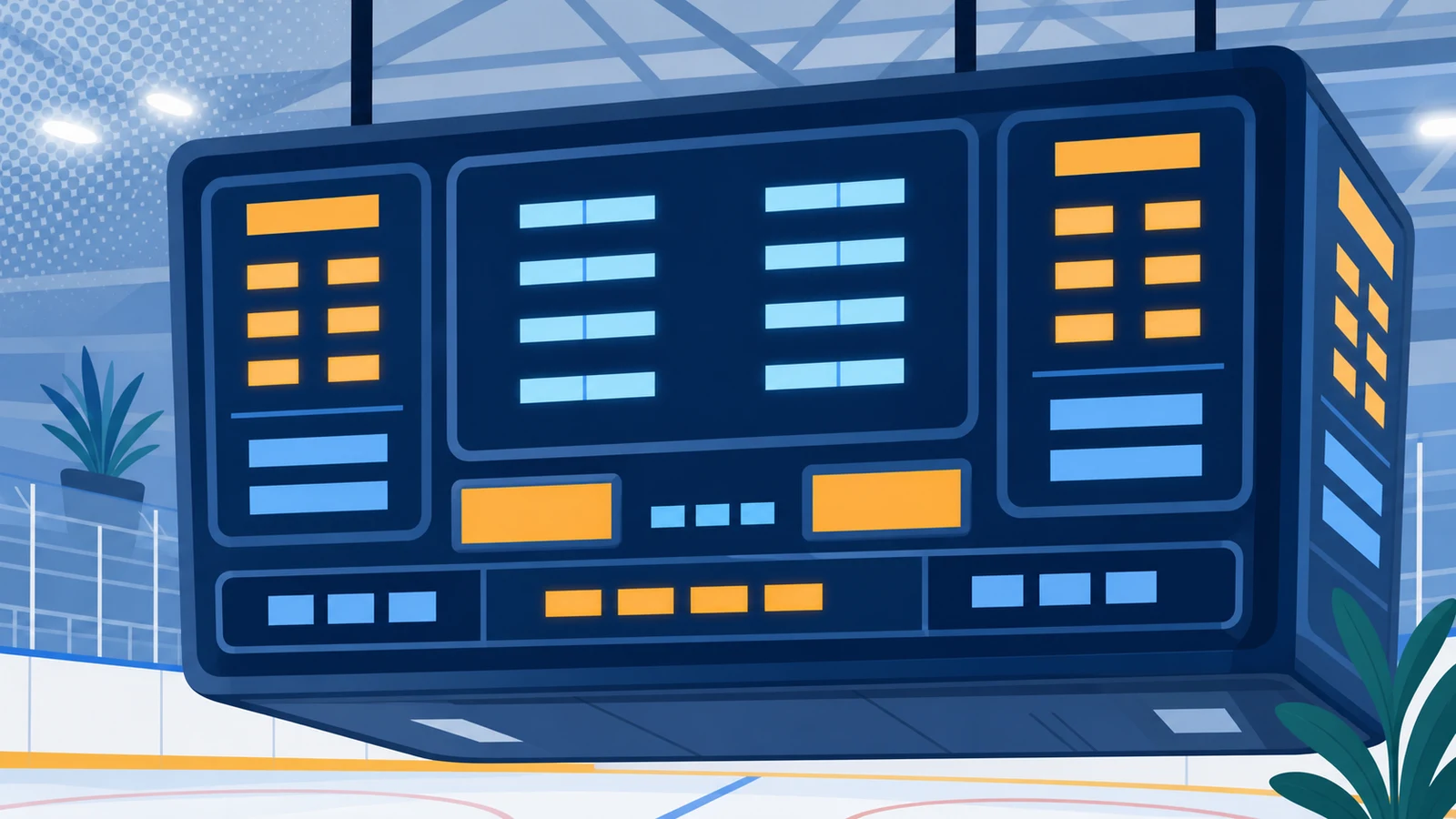
Three functions separate a hockey scoreboard from a scoreboard that happens to be in a rink: the Period, Penalty Time with the player it belongs to, and Shots on Goal. This page explains how each one behaves on an Electro-Mech scoreboard and at the console that runs it, taken from the MP Hockey control console manual and the product pages on this site - including the parts that surprise new operators.
Quick Answer
The short answer: the console holds a queue of four penalties per team, but only the top two run - their times count down with the Game Clock while the third and fourth wait. Each penalty is attached to a player number. The Period counts to four and there is no overtime figure. Shots on Goal are incremented one key at a time. Which of these appear on the face depends on the model: the smallest cabinet shows Time, Period and Points, and the largest adds Shots on Goal and two Penalty Times per side.
The Three Functions That Define a Hockey Scoreboard
Every scoreboard shows a score and a clock. What makes one a hockey scoreboard is the rest: a Period figure that matches how the game is structured, Penalty Times that run alongside the Game Clock and belong to named players, and a running count of Shots on Goal for each side.
One structural note before the detail, because it explains a lot of confused first evenings: the console's LCD screen shows information that corresponds closely, but not exactly, to what appears on the scoreboard. A value that reads 0 on the console may be blank on the scoreboard - the Period is the usual example. And a scoreboard model that does not carry a function will simply not show it, while the console still tracks it internally.
The other thing to check on day one: the console's left side is normally the Guest team and the right side Home, but some scoreboard and console pairs ship with the positions swapped. Establish which is which before a game rather than during one.
Period Tracking, and What It Does Not Do
The Period figure on an Electro-Mech hockey scoreboard counts to four. That is the whole of it, and it is worth stating plainly because the assumption that a scoreboard can show a fifth period or an overtime indication causes real disappointment at a tournament.
There is no overtime digit on the face. Rinks that play overtime handle it the way rinks have always handled it - by agreement at the bench and by the clock. If your league needs the scoreboard itself to announce an extra period, this line does not do that, and no console setting changes it.
On the console, a Period of 0 shows as a blank on the scoreboard. That is normal behaviour rather than a fault, and it is how a scoreboard sits between games without implying the first period is underway.
Penalty Time: A Queue of Four, Two of Them Running
This is the function that most rewards understanding before the first game, because its behaviour is specific.
The console holds four penalties per team. Pressing [HOME PENALTY] takes you to the first; pressing it again skips to the second, again to the third, again to the fourth, and a fifth press exits the function. [GUEST PENALTY] does the same for the other side.
Only the top two are active. Their times count down along with the Game Clock. The third and fourth sit in the queue and do not run. When the shortest active penalty reaches zero, the ones below pop up to fill the empty spots and start counting.
A penalty belongs to a player. The console prompts for a player number first, and the number has to be something other than zero for the penalty to be used. Enter 24 by pressing [2] [4] [ENTER], then enter the time at the next prompt. A ninety-second penalty is entered as [1] [3] [0] [ENTER] - one minute thirty, not ninety.
On a scoreboard that carries them, each Penalty Time appears with the player number beside it, which is what lets everyone in the rink see who is serving what. On the indoor models the Penalty Timer digits are 9 inches tall.
By default the console sorts penalties by time, so the shortest is always at the top of the queue. That sorting is a jumper setting inside the console and can be switched off if your scorekeepers prefer the order they were entered.
When the Scoreboard Has Penalty Counts Instead
Not every rink needs individual penalty timers on the face, and the console supports the simpler arrangement: a Penalty Count for each team rather than running Penalty Times. That is also a jumper setting - Penalty Timers are enabled by default, and removing the jumper switches the console to Penalty Counts.
Which arrangement suits you is a question about who is keeping the game rather than about the scoreboard. A rink where the timekeeper runs penalties on paper and the crowd only needs to know that a team is short-handed gets along with counts. A rink where parents want to see how long is left on a specific player's penalty needs the timers, and therefore needs a cabinet that carries them.
Shots on Goal
Shots on Goal are incremented one at a time from the console: [GUEST SHOTS +1] and [HOME SHOTS +1]. There is nothing clever behind it, and that is the point - it is a running count kept by whoever is at the console, displayed for each team on the models that carry the digits.
Two practical notes. A rink that wants Shots on Goal on the face needs one of the larger cabinets; the smallest hockey scoreboard in the line does not have the digits for it. And because the count is manual, it is worth deciding in advance who is responsible for it, since a Shots count that stops updating halfway through a period is more conspicuous than no count at all.
One quirk visible on the console: the same physical keypad serves hockey and lacrosse, so buttons labelled for Corner Kicks and Saves exist but do nothing in the hockey configuration. They are not broken.
The Clock, the Horn and the Time Out Timer
The Game Clock carries several behaviours that a new operator meets in their first period.
- Setting it. [SET CLOCK] works only while the clock is stopped. Times are entered as digits - 5:30 is [5] [3] [0] [ENTER] - and the console rejects a seconds value above 59.
- Tenths in the final minute. On a down-counting clock, the display can shift to seconds and tenths during the last minute of a period. [SET CLOCK .1 SEC] edits that value directly, and [.1 SEC ON / OFF] controls whether the behaviour happens at all.
- The horn. By default the main horn attached to the scoreboard sounds for about two seconds when the Game Clock reaches 0:00 at the end of a period. [AUTO HORN] turns that off if your rink prefers to sound it manually.
- The Time Out Timer. Available only while the Game Clock is stopped: it counts down any duration under ten minutes without disturbing the Game Clock. You choose whether it appears on the scoreboard or only on the console. Pressing [CLOCK ON / OFF] while it runs aborts the countdown and starts the game clock.
- Time of Day mode. The scoreboard can show the time of day between games, with an option to blank the scores and period so that nobody mistakes it for a game in progress.
A Period at the Console
The features make more sense in the order an operator meets them, so here is a period from the timekeeper's seat.
Before the game
Power up the console. If it holds data from the previous game it offers to restore it - answer no to start fresh, and note that if nobody answers, the console restores the old game automatically after a few seconds. That is the single most common cause of a scoreboard opening a new game with last week's score on it.
Set the clock with [SET CLOCK] while it is stopped, confirm the period, and decide whether the goal indicators, the horn behaviour and tenths of a second are as your league wants them.
During play
- [CLOCK ON / OFF] starts and stops the Game Clock, and it is the button that gets pressed most.
- A goal is one press of the score key for that side; the goal indicators toggle from [CLEAR / HOME GOAL] and [ENTER / GUEST GOAL] when you are not in the middle of entering data.
- A shot is [GUEST SHOTS +1] or [HOME SHOTS +1].
- A penalty is the team's penalty key, then the player number, then the time.
- The horn sounds for a two-second burst from [HORN] whenever you need it manually.
- The period advances with [QTR. / PERIOD +1].
When something needs correcting
Mistakes at a scorer's table are normal and the console assumes as much. [SET GUEST FUNCTIONS] and [SET HOME FUNCTIONS] walk you straight to that team's score and Shots on Goal so either can be typed directly - a score of 3 becomes [3] [ENTER], and pressing [ENTER] alone skips a prompt without changing it. [CLEAR] backs out of any prompt without making changes, and it is the button to reach for when a sequence has gone somewhere unintended.
The clock is corrected the same way, with [SET CLOCK] while it is stopped, and on a down-counting clock [SET CLOCK .1 SEC] edits the seconds and tenths directly during the final minute. Penalties are edited by pressing the team's penalty key again to step through the queue to the one that needs changing.
Reading the Face From the Stands
The functions only matter if they are legible from where people sit, and hockey has a particular geometry: a scoreboard on an end wall is read from the far end of the rink, across the length of the ice.
The indoor models use 12 in. and 9 in. digits. At roughly 25 feet of viewing distance per inch of digit height, a 12 in. digit reads to about 300 feet and a 9 in. digit to about 225 - which covers the seating in most municipal rinks and club arenas comfortably. The larger figures carry Points and the Game Clock; the 9 in. digits carry Penalty Times and the secondary information.
Two things follow. First, a Penalty Time is read from closer than a score, which is worth remembering when deciding where the scoreboard hangs: the people who most need to read it are the benches and the penalty box. Second, brightness is a console setting rather than a fixed property - the MP-Series carries 50 selectable levels, and a rink is a darker building than a gym, so the level that looks right with the house lights up is usually too bright for a game.
Where one face cannot be seen from every seat, an additional display driven from the same console is often lighter and simpler than moving to a four-sided centre-hung assembly - and a four-sided model draws four times the power of the single-faced version and weighs more than four times as much, which makes it a question about the roof structure before it is a question about the scoreboard.
Which Models Carry What
A function exists in the console whether or not the scoreboard can show it, so the cabinet decides what the rink actually sees. Specifications from the product pages on this site.
| Model | Cabinet Size | Weight | Current | What the face carries |
|---|---|---|---|---|
| LX8350 | 9 ft. x 3 ft. | 90 lbs. | 1.0 A | Points, Time, Period - the simplest indoor cabinet |
| LX8650 | 9 ft. x 5 ft. | 145 lbs. | 1.9 A | The long-standing indoor hockey layout |
| LX8750 | 9 ft. x 5 ft. | 145 lbs. | 2.2 A | The same cabinet with more on the face |
| LX8850 | 12 ft. x 5 ft. | 215 lbs. | 2.7 A | Adds Shots on Goal and two Penalty Times per team with player numbers |
| LX7860 | 9 ft. x 5 ft. | 150 lbs. | 1.8 A | Outdoor, all digits 11 in., clock counts up or down |
All the indoor models use 12 in. and 9 in. digits and run on 120 VAC. The decision between them is therefore not about quality but about how much of the game the rink wants on the wall: the step from a 9 ft. cabinet to the 12 ft. one is the step that buys Shots on Goal and running Penalty Times.
A Shared Console, and the Displays Around the Scoreboard
The console that runs a hockey scoreboard is the MP Hockey and Lacrosse controller, and knowing that explains several things an operator notices in the first week.
Keys that do nothing here belong to the other sport. Corner Kicks and Saves sit on the keypad because the same console serves lacrosse configurations. They are inert in hockey, and pressing them is harmless.
Shot Timer displays are supported, for the rinks that need them. The [PLAY / SHOT CLOCKS] key edits the current value and the two programmable reset values, but it is only useful if you have the optional displays and the three-button handheld controller that ships with them. The reset buttons are programmed from the console - the first button and the second button each get their own value - which is how a facility sets the two figures its rules call for without anybody doing arithmetic at the bench.
Auxiliary displays run off the same console. Where one face cannot be seen from every seat, an additional display driven from the same controller is usually the simpler answer. The console's data output drives displays directly, and several can be daisy-chained in synchronisation.
Locker room clocks repeat the Period Clock. The LX7406 is a 23 in. x 10 in. display weighing 12 lbs. with 6 in. digits, drawing 0.3 amps. It takes the same signal sent to the scoreboard Period Clock and shows it wherever you mount it indoors, and several can be daisy-chained back to one console through the data-out jacks. In a building where the ice turns over every hour and teams change on a schedule, a clock in each room does more for the day than another feature on the scoreboard would. There are 139 of them in the sales record.
All of these are ordered as their own products with their own lines on a quote. None of them changes what the main scoreboard does; they change how many places in the building can see it.
What the Console Does Not Do
Stated plainly, because these are the features most often assumed:
- There is no power play indicator. Electro-Mech hockey scoreboards do not have one. What they have is Penalty Times for individual players, which is a different thing - the rink infers the power play from the penalties on the face.
- There is no overtime period on the Period figure. It counts to four.
- Only two penalties per team run at once. The third and fourth are held in the queue and start when a slot frees up. A console cannot run four simultaneous timers for one team.
- A penalty without a player number is not used. The number has to be something other than zero.
- Corner Kicks and Saves keys do nothing here. They belong to the lacrosse and soccer configurations of the same console.
- The console is the controller, not ScoreLink. ScoreLink is the wireless communication path between console and scoreboard, an option on every model with a range of about 750 feet. It is not a control system and not a model name.
The Words for These Functions
Function names matter more than they look, because a quote, a manual and a scorer's table that use different words for the same thing produce arguments that have nothing to do with the equipment. The names Electro-Mech uses are specific:
- Penalty Timers - the running times, each with its Player number. Not "penalty clocks" and not "sin bin timers".
- Shots On Goal - the per-team count, capitalised the way it appears on the console and the spec sheets.
- Game Clock and Period - the two figures the whole building watches. The Period counts to four.
- Points - what the scoreboard calls the score.
- GUEST and HOME - the two sides of the scoreboard. The visiting side is Guest; it is not labelled Away.
- ScoreLink - the wireless communication path between console and scoreboard, not a control system and not a model.
- MP and MM consoles - the controllers. The console is the thing that runs the game; the scoreboard is the thing that shows it.
Two of these are worth insisting on when a specification is being written. The visiting side of an Electro-Mech scoreboard is captioned GUEST, so a document that asks for an "Away" caption is asking for something the factory does not make. And a Penalty Timer is a function that a given model either has or does not have - there are no types or grades of Penalty Timer to choose between, only cabinets that carry them and cabinets that do not.
Setting Up for Your League
Most of what a rink needs to decide can be settled in twenty minutes with the console and whoever will run it.
- Penalty sorting. On by default, so the shortest penalty sits at the top of the queue. Turn it off if your scorekeepers want them in the order they were called. It is a jumper inside the console rather than a menu item, so decide before commissioning.
- Penalty Timers or Penalty Counts. Timers by default. Counts are the simpler display for rinks that keep penalties on paper.
- Tenths of a second. Whether the clock switches to seconds and tenths in the final minute of a period.
- The horn. Automatic at the end of a period by default, for about two seconds. Some rinks prefer it manual.
- Which side is Guest. Left is normally Guest and right Home, but some console and scoreboard pairs are swapped. Confirm it once and write it down.
- Who keeps Shots on Goal. A count nobody owns is a count that stops mid-period.
Then run a full test before the first game: every digit, the clock in the direction your league uses, a penalty entered and expired so you can watch the queue pop up, the shots keys, and the horn.
Key Takeaways
- The console holds four penalties per team; only the top two run, and the rest pop up as slots free.
- Every penalty is attached to a player number, which cannot be zero. A 90-second penalty is entered as 1:30.
- Penalty sorting by time and the choice between Penalty Timers and Penalty Counts are jumper settings inside the console.
- The Period counts to four. There is no overtime figure and no power play indicator on any model in this line.
- Shots on Goal are incremented manually, one key press at a time, on the models whose face carries the digits.
- The horn sounds automatically for about two seconds at the end of a period unless that is turned off, and a Time Out Timer can count anything under ten minutes.
- The largest indoor cabinet, the LX8850 at 12 ft. x 5 ft., is the one that carries Shots on Goal and two Penalty Times per side with player numbers.
Features on a hockey scoreboard are less about what the sign can do and more about what the person at the console has to do with it. Learn the penalty queue, decide the two jumper settings before commissioning, agree who owns the shots count, and the scoreboard stops being a thing that goes wrong on Saturday mornings.
Working out which cabinet your rink needs? Request a quote from Electro-Mech and say whether you need Penalty Times and Shots on Goal on the face.
Frequently Asked Questions
How many penalties can a hockey scoreboard track at once?
The console holds four per team, but only the top two are active - their times count down along with the Game Clock. The third and fourth wait in the queue, and when the shortest active penalty reaches zero the ones below pop up to fill the empty slots.
How do I enter a penalty?
Press [HOME PENALTY] or [GUEST PENALTY] to reach the first penalty slot; pressing again skips to the second, third and fourth, and a fifth press exits. Enter the player number first - it cannot be zero - then the time. Ninety seconds is entered as [1] [3] [0] [ENTER], meaning one minute thirty.
Is there a power play indicator?
No. Electro-Mech hockey scoreboards do not offer one. The rink reads the power play from the Penalty Times on the face.
Can the scoreboard show an overtime period?
No. The Period figure counts to four, and there is no separate overtime indication.
What is the difference between Penalty Timers and Penalty Counts?
Penalty Timers show the running time left on individual penalties with the player number beside each. Penalty Counts show how many penalties a team has. Timers are the default; counts are selected by a jumper inside the console and suit rinks that keep penalty time on paper.
How are Shots on Goal recorded?
Manually, one press at a time, using [GUEST SHOTS +1] and [HOME SHOTS +1]. The digits appear only on the models whose face carries them.
Does the horn sound automatically?
By default the main horn sounds for about two seconds when the Game Clock reaches 0:00 at the end of a period. That can be turned off with [AUTO HORN], and the horn can always be sounded manually.
Can the console time a break or a warm-up?
Yes - the Time Out Timer counts down any duration under ten minutes without disturbing the Game Clock, and you choose whether it appears on the scoreboard or only on the console's screen. There is also a Time of Day mode for between games.
Which model do I need for Penalty Times and Shots on Goal?
The LX8850, a 12 ft. x 5 ft. indoor cabinet weighing 215 lbs., carries Shots on Goal and two Penalty Times per team with the player number beside each. The 9 ft. cabinets carry less; the smallest shows Points, Time and Period.
AI Summary
AI Summary: On an Electro-Mech hockey scoreboard the defining functions are the Period, Penalty Time and Shots on Goal. The console holds four penalties per team but runs only the top two, with the rest popping up as slots free; each penalty is attached to a player number that cannot be zero, and a 90-second penalty is entered as 1:30. Penalty sorting by time and the choice between Penalty Timers and Penalty Counts are jumper settings inside the console. The Period counts to four - there is no overtime figure and no power play indicator. Shots on Goal are incremented manually. The horn sounds for about two seconds at the end of a period by default, and a Time Out Timer counts anything under ten minutes. Which functions appear depends on the cabinet: the LX8350 shows Points, Time and Period, while the 12 ft. x 5 ft. LX8850 adds Shots on Goal and two Penalty Times per side.